A new job announcements platform for planetary science
Planetary Research Jobs is a new online platform that centralizes job announcements in the field of planetary science. Any person can browse the website for free, and any person with an ORCID iD (which is almost everyone) can post an announcement at no cost. Job announcements can be created in minutes, and each new announcement is publicized on our Mastodon and Bluesky accounts, in a weekly email list, on several Mattermost forums, and through our RSS/Atom feeds. Job announcements are categorized, making it easy to find what you are looking for (such as for tenure track faculty, postdocs, and Ph.D. positions).
Why do we need this?
It’s not easy to find a job, and it can be frustrating just to find which jobs are even available. There are multiple places that you could look for announcements, including email lists, professional society job boards, institutional websites, commercial websites, social media posts, and forums like Slack, Discord and Mattermost. Most job announcements are posted on only one or two of these platforms, making it easy to miss announcements when they are first published.
It’s also not easy to advertise a new job announcement. Posting the same announcement to multiple platforms can be costly and time consuming. Society run job boards are expensive and charge about $300 to $1000 per month for a simple announcement. Many of these platforms are also annoying to use, and it is often not clear if the intended audience will even see the announcement.
How can I keep informed of new job announcements?
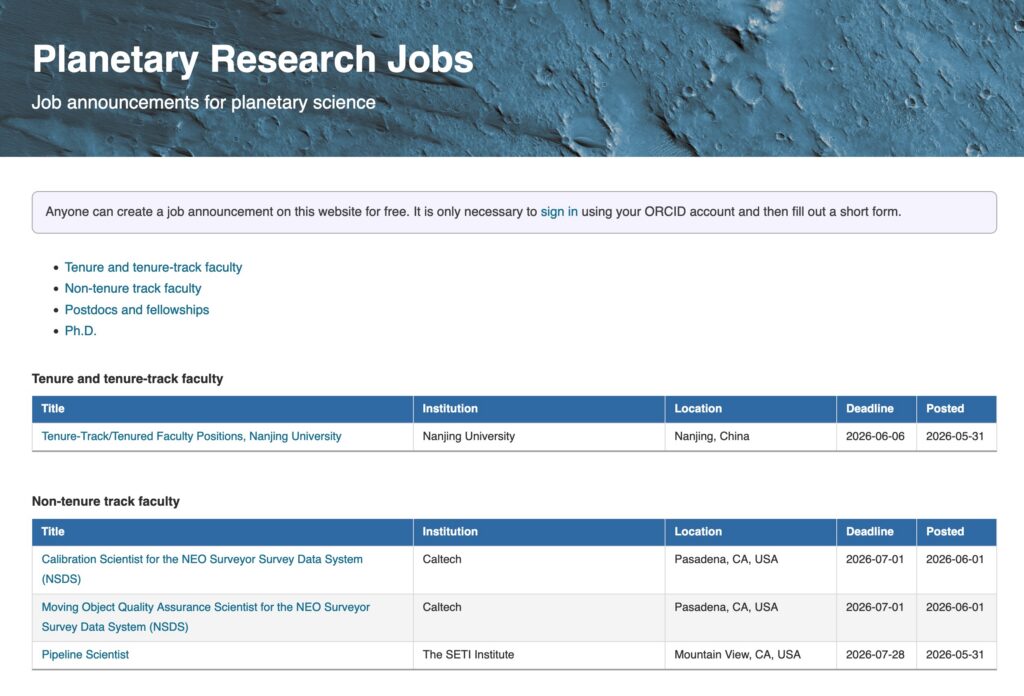
Our website categorizes all open announcements on the home page. There are no barriers to accessing the site, no adds, no pop-ups, and no cookies.
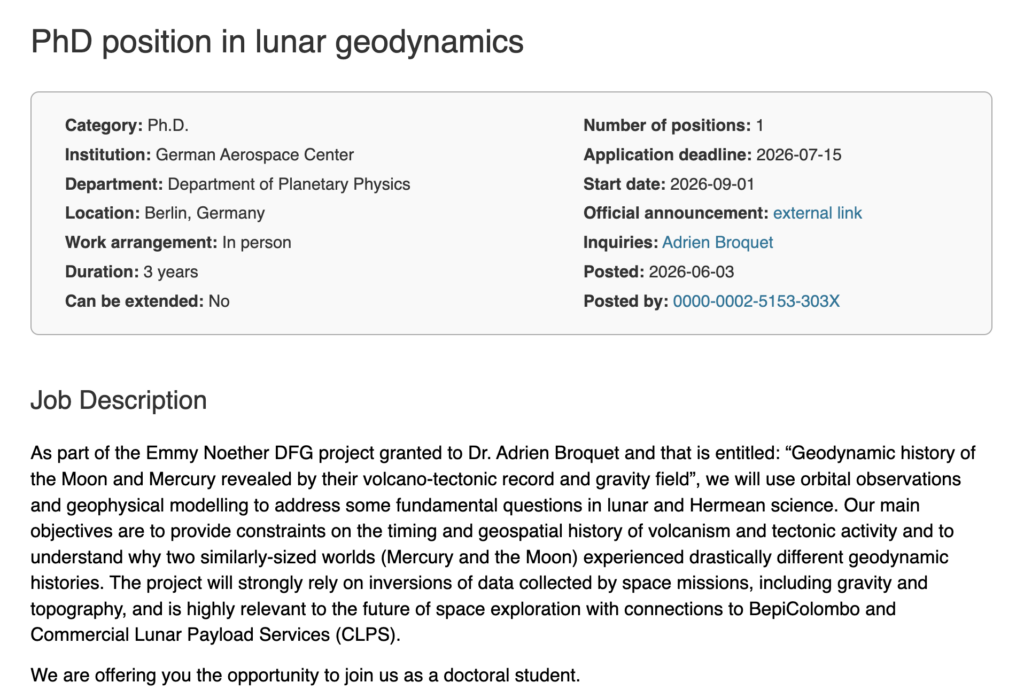
Clicking on a job title on the home page will bring you to a separate page for the announcement. At the top, you will find a summary box of all relevant information about the post (like deadlines and contact info). Below this you will find the job description. If the post doesn’t provide all necessary information about the job, click on the link to the official announcement in the summary box.
In addition to consulting the website, you can keep informed of new announcements by following our jobs accounts on Mastodon (@planetary_research_jobs@solarsystem.social) and Bluesky (@jobs.planetary-research.org).
You can also sign up to receive a weekly email digest of all new announcements. To do so, just sign in to your Planetary Research Cooperative member account (membership is free), go to the Member services page, click on Email lists, and choose the Planetary Research Jobs (weekly digest) list.
We also provide RSS/Atom feeds that can be imported into your favorite feed reader. Feeds exist for all announcements and for each individual job category. The links for these feeds can be found in the website FAQ.
How do I create a job announcement?
If you already wrote the job description text (or if it is already posted elsewhere online), creating a new announcement should take no more than three minutes.
To create a post, start by clicking on the Sign in link at the bottom of the home page. This will bring you to a login page that will ask you to authenticate with an ORCID account. Authenticating with ORCID proves that you are the owner of an ORCID iD, automatically assigns your ORCID iD to any new posts, and allows you to edit your previously created announcements. After authenticating, you will be redirected back to the jobs website.
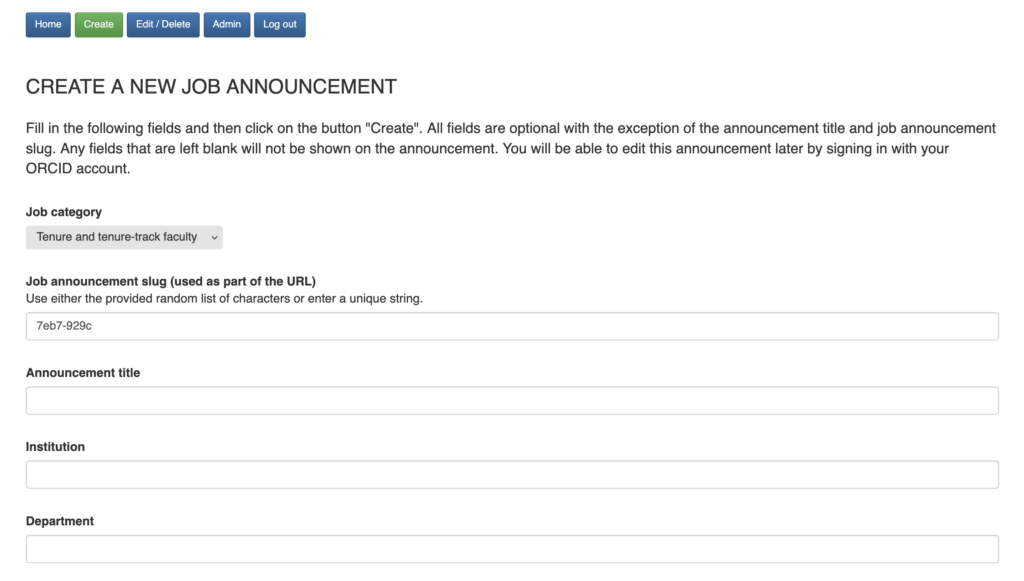
Clicking on the link Create will start the process of creating a new job announcement. From this page, select one of the predefined job categories and then fill out the remaining 17 form fields. Almost all of these fields are optional, and if they are left blank, they will not be displayed in the announcement summary box.
Next, add the text of the job description using the text editor. This editor allows you to format the post, such as by adding links, lists, and changing font properties. If your post is already online, you can simply copy the text from the website and paste it into the editor: All HTML formatting should be preserved!
Clicking Submit will publish the announcement online and immediately create posts on Mastodon and Bluesky. If you need to edit the post later, just sign in to the website again and click on the Edit/Delete button. This will give you a list of announcements that you created, and clicking on one will allow you to modify any of the previously provided information.
Can I run my own job announcements web site?
Yes! The code is open source and can be accessed here. The application is written in python, and all branding is located in a single file. Besides editing this file, there is no reason to edit any of the code itself. If you think that you found a bug or can improve the code, please open an issue or create a pull request!